B2B Ordering Guides for Display Projects
Prepare a B2B display order with one clear specification linking the products, quantities, graphic versions and receiving requirements. Separate hardware, printed faces and additional services so offers can be compared on the same basis. Retain the approved references after the first order to make later graphics and repeat campaigns easier to check.
These guides support exhibitors, agencies and retail teams preparing complete project requests. They do not assign universal discounts, minimum quantities or delivery promises. Confirm the commercial and production terms for the actual products and order.
Define the complete order scope
Record whether you need a new display set, hardware only, consumable material or replacement graphics for equipment already owned. Identify each model and variant where possible. If the model is not yet chosen, describe the display function and constraints so a suitable system can be proposed.
The bulk and wholesale order guide explains why the supply unit matters. A piece, pack, roll, graphic face and complete printed set are different quantities. Keep those units with the order lines and avoid comparing incomplete hardware prices with a full printed proposal.
Organise an event request around the floor plan
Use the exhibition display brief checklist to record dimensions, open sides, intended activities and the team using the stand. Add the event dates and the separate date goods must reach their receiving location. Include the delivery country and any access or transport constraints.
Tension Fabric Exhibition Stands and Tension Fabric Walls are different starting points for discussing a main graphic. Fabric Counters adds another component and print scope. Review the actual complete kit and what is included rather than inferring the order from a gallery photograph.
Connect quantities to artwork and locations
For multiple versions, give each production file a stable reference and connect it to its component, face or store. Keep the approval responsibility clear. If a local change affects only part of an order, identify the exact locations and quantities receiving that version.
Use the printed POS rollout checklist for a store matrix. Confirm whether separate deliveries, location labelling, packing or installation are available and included. A multi-location project does not automatically include those services in every quotation.
Compare reuse using real costs and condition
Identify existing hardware before requesting replacement graphics. Send the model reference, dimensions and photographs of the attachment. Check for missing or damaged components, because a correct new print cannot compensate for unsuitable hardware.
The cost per event guide separates the initial set, later graphics and other programme costs. Use confirmed quotations and your own operating assumptions for the same event count. Avoid giving every system an assumed life or interpreting a material label as a guarantee of return on the purchase.
Keep a limited budget connected to the essential job
The budget display guide helps identify the main communication role and compare complete options. Begin with the position, message and operating routine. Add supporting displays only where they have a useful role and fit the actual layout.
Do not omit required supports, ballast or correct print finishing to meet a budget. If the complete specification is too costly, ask for another suitable configuration. The lower numerical offer is useful only when it covers the components and use conditions the project actually needs.
Confirm timing and approval responsibilities
Work backwards from the required receiving date through unpacking, installation, production and artwork approval. Ask for dates to be confirmed for the actual order. Stock availability on one item does not establish that the entire printed set will arrive together.
Keep the approved brief, template references and final file list in one project record. Use the artwork checklist to review production files after the models and dimensions are identified. Give changes a new version reference instead of leaving the supplier to reconcile inconsistent attachments.
Send a request that can be checked
Include product functions or selected models, quantities, printed faces, artwork versions, existing hardware, receiving countries and required dates. State the intended quotation scope and budget basis where relevant. Ask for additional services explicitly rather than assuming them from the project name.
Browse Display Systems for the product families and contact us with the complete brief. A clear request helps the supplier check the actual specification and gives the buyer a component list, approval sequence and delivery requirement that can be reviewed before production.
Guides for your next decision
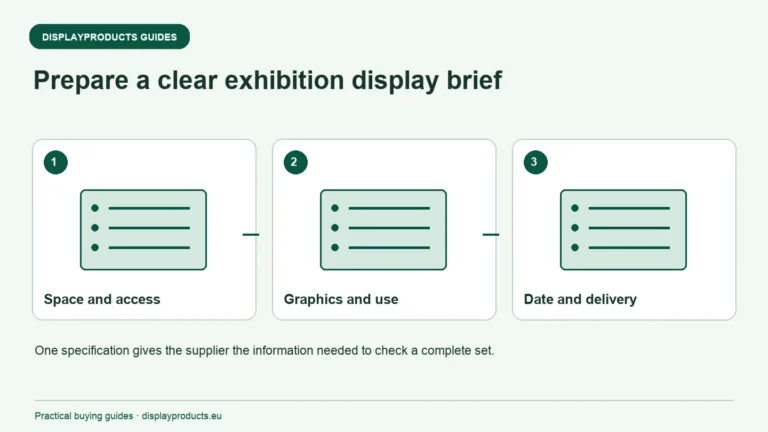
Exhibition Display Brief Checklist
A useful exhibition display brief gives the supplier one consistent description of the space, the activity, the graphics and the delivery requirement.
Read the guide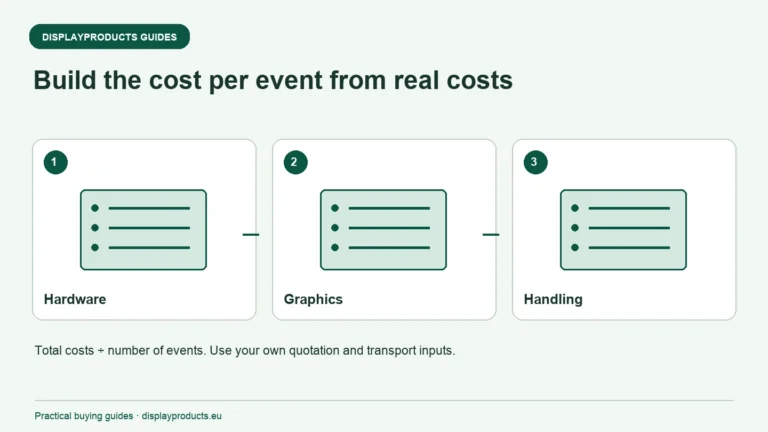
Reusable Exhibition Displays and Cost Per Event
Compare reusable exhibition displays by the complete cost of the events you expect to attend. Include the initial hardware and graphics, later graphic changes, transport, handling, storage and any identified repair or replacement costs.
Read the guide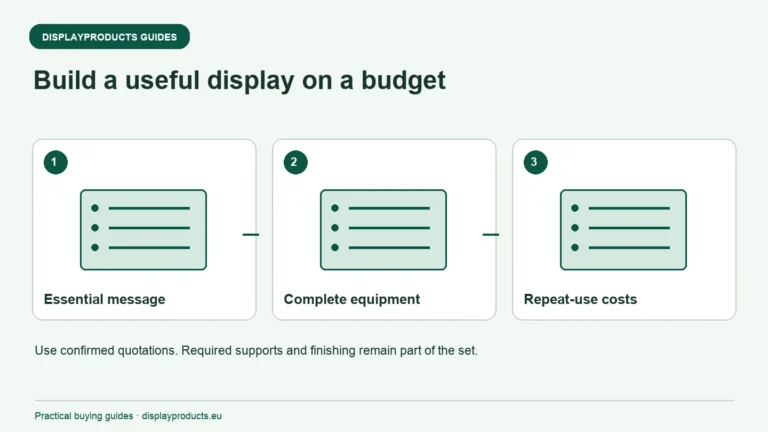
Choosing Display Products on a Limited Budget
Build a budget display specification around the one job the display must perform. Decide what visitors need to see, where the display can stand and what the team can transport. Then compare complete usable options, including graphics and required accessories.
Read the guide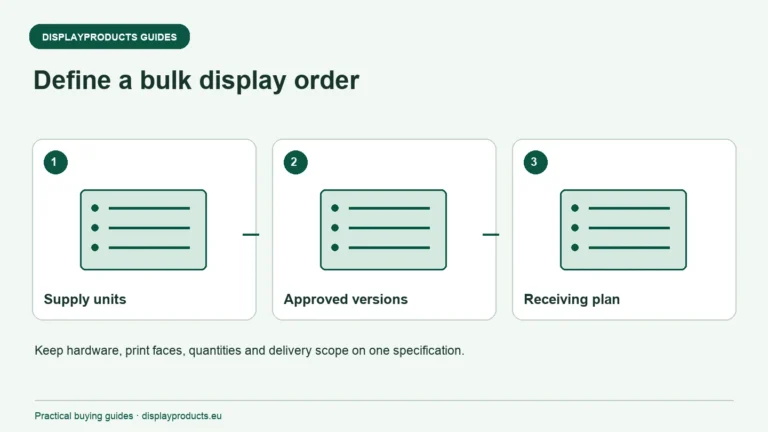
Bulk and Wholesale Display Orders Across Europe
Prepare a bulk display order by connecting quantities to a clear product, graphic and location specification. Separate identical units from different models, artwork versions and delivery requirements.
Read the guide