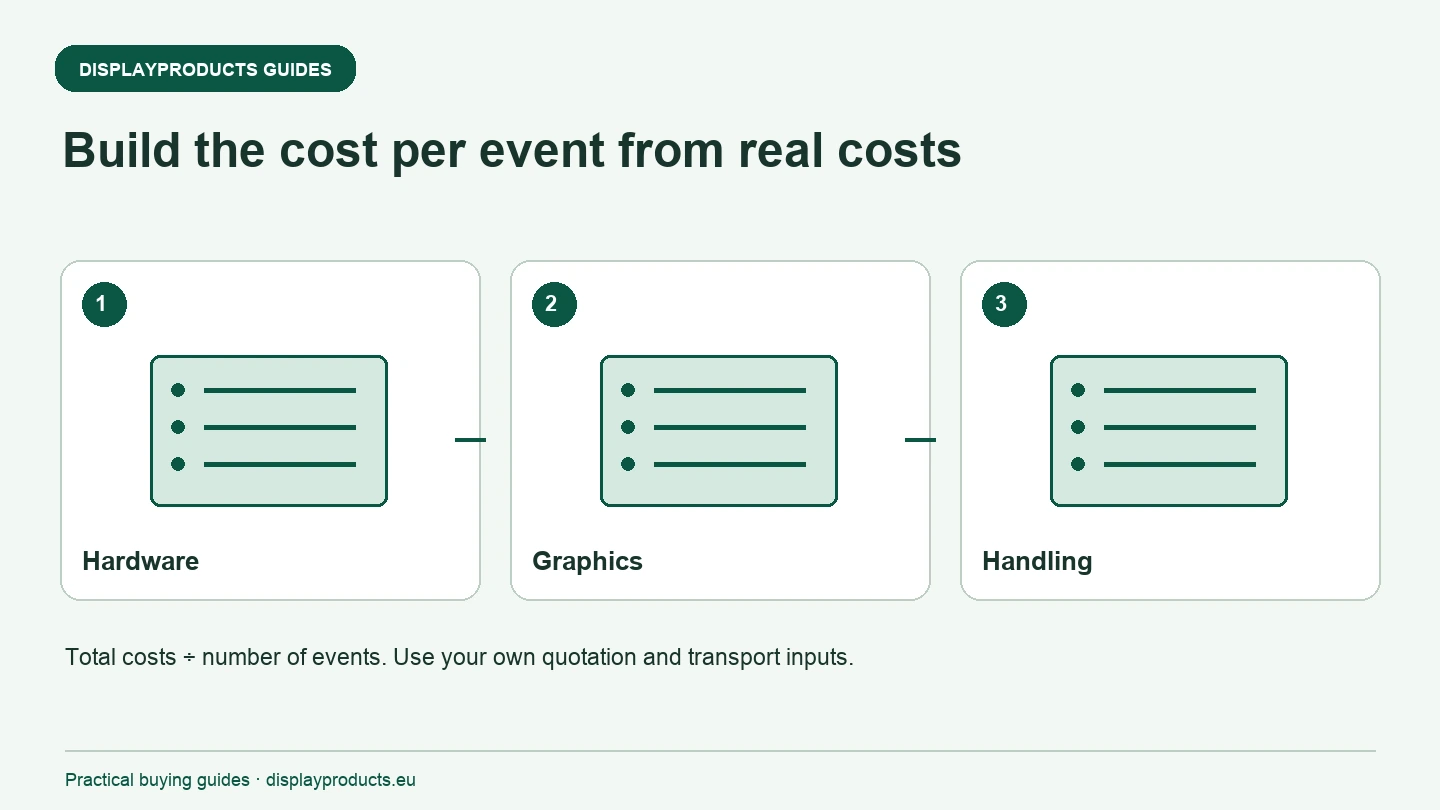
Compare reusable exhibition displays by the complete cost of the events you expect to attend. Include the initial hardware and graphics, later graphic changes, transport, handling, storage and any identified repair or replacement costs. Divide the total for the chosen period by the number of events in that same period. The result is a planning comparison, using your own quotations and operating assumptions.
A reusable frame does not mean a cost-free repeat event. Equally, a new campaign does not always require replacing usable hardware. Separate these decisions so the comparison reflects what you will actually buy, transport and change.
Start with a defined event programme
Choose the events and time period being compared. Record the stand sizes, display requirements and which campaigns need different graphics. A kit intended for four identical events is a different specification from one moving between several plot shapes and brand messages.
Use the same event programme when comparing alternatives. If one option includes a larger wall, lighting and a counter while another includes only a banner stand, their totals describe different solutions. First align the component scope, then compare the cost and practical handling of equivalent usable sets.
Separate initial purchase from later changes
The first purchase may include frame hardware, printed graphics, supports, accessories and a transport case. Ask the supplier to identify what is included and what is separate. Keep the initial printed face distinct from any later replacement graphics, so the same print is not counted twice.
For repeat use, identify which parts can be retained and what must change. Tension Fabric Walls are one starting point for discussing replacement skins. Premium Roll Up Banner Stands offer another format with model-dependent graphic handling. Confirm the actual replacement arrangement rather than assuming every cassette or panel can be opened in the same way.
Add transport and handling for the complete kit
Record the packed dimensions and quantities that need to travel. Include any separately carried counter, feet, lighting or ballast. The transport method should fit the actual components and the access route at the venue, not simply the main frame shown in the product photograph.
Use your own freight, vehicle, loading and setup cost inputs. Where staff time is part of the comparison, apply a consistent basis across the alternatives. Do not treat a generic setup-time estimate as a proven cost for your crew. Storage, collection and return handling may also be relevant to the event programme.
Include the changes you can identify
List planned graphic updates, any known damaged components and the spare parts required for the programme. If a cost is uncertain, show it as an assumption to check rather than hiding it in an unexplained total. Avoid assigning a lifespan to a display without evidence from the actual product and use conditions.
The value of retaining a frame depends on its condition and whether a compatible new graphic is available. A cheap replacement print is not a useful option if the existing hardware is damaged or unidentified. For a complete set, Fabric Counters and their graphics also need to be considered separately from the backwall.
| Cost category | Input to collect |
|---|---|
| Initial set | Hardware, initial graphics and included accessories |
| Graphic changes | Confirmed replacement-print scope for the programme |
| Transport and handling | Quoted shipping or your operating-cost assumptions |
| Storage and condition | Identified storage, repair and replacement costs |
| Event count | Number of events covered by those same inputs |
Calculate the result consistently
For the period chosen, add the initial set cost, all planned graphic changes and the other event-related costs included in your comparison. Divide that total by the event count. If you are using VAT-exclusive quotation values, keep every input on that same basis. Do not mix a net hardware figure with a tax-inclusive transport total and call the result comparable.
The calculator on this page uses three cost buckets. Put the initial hardware and first graphic in the purchase field; later graphic changes in the graphics field; and transport, handling, storage or identified repairs in the other-cost field. Enter zero where a bucket genuinely has no planned cost. Blank fields indicate that the comparison is not ready yet.
The calculation does not model tax, financing, resale value or uncertain future failures. Its purpose is to make the chosen inputs visible and comparable. If you need another factor, include it consistently within the appropriate cost bucket and keep a note of what it contains.
Check whether the lower total is operationally usable
Review the result against the people, vehicle and floor plans available. A lower numerical cost is not a suitable recommendation if the kit cannot be moved by the assigned team, fit within the stand boundary or carry the required message. Keep those practical constraints beside the cost comparison.
For a quotation, send the event programme, display dimensions, graphic changes and equipment you already own. Ask for the components and print-replacement scope to be stated clearly. The B2B ordering guides and exhibition display brief checklist help organise a comparable request before you commit to a new set.
Cost per event calculator
Use costs from your own quotations and event programme, all in the same currency and on the same tax basis. Other costs can include transport, handling, storage and identified repairs for that programme. No entered costs are sent by this calculator.