Artwork and Material Guides for Printed Displays
Prepare display artwork after the frame, print format and material specification are identified. The production file must match the actual product, graphic face and finishing requirements. Start with the correct template and approved message, then check dimensions, file scale, images, colour and version control before production.
These guides help businesses and agencies organise that process. They do not replace the selected supplier's technical template. Requirements for a fabric skin, edge-mounted textile, retractable banner and poster fixture can differ even when the artwork carries the same logo.
Identify the graphic and its hardware
State whether the order is for a new complete display or a replacement print for existing equipment. For a replacement, send the model reference, photographs and available original template. Visible dimensions alone may not identify the finished print size, hidden material or edge allowance needed for production.
Use the custom banner brief guide to collect the system, dimensions, fixing and print requirements. Confirm non-standard options before finalising the design. A request described as custom does not establish that every size, substrate or attachment can be supplied without checking.
Use the right template and artwork scale
The large-format artwork checklist connects the product to its approved production file. Record the template version, finished dimensions and scale used in the design. Keep safe areas, seams, folds and hidden sections identifiable so important information does not disappear in the installed display.
Several current printed-display specifications use 1:1 artwork, CMYK and a minimum resolution of 150 dpi, with fonts converted to outlines. Check the selected variant rather than extending those requirements to every order. If a supplier accepts another scale or asks for another export, record it with that product's template.
Select material and finishing together
Use the material and fabric guide to compare the print application rather than relying only on a broad substrate name. A material must work with the production method, graphic fixing and use conditions. A roll of unprinted media is a different order from a finished graphic.
Blockout Banner Media, PET is one specific material range with its own supply and printing specification. Tension Fabric Walls uses graphics prepared for the identified structure. SEG Lightboxes requires a compatible textile and lighting arrangement. Keep those scopes separate when comparing an offer.
Check lighting and colour approval
An illuminated print should be evaluated for the intended system and physical lighting. Do not assume a graphic specified for a non-illuminated wall provides the same result in a lightbox. Confirm the substrate, print process and any agreed proof before producing a full campaign.
For colour consistency with existing displays, provide the relevant approved references and explain the requirement. A screen preview is not a physical print proof. Identify who approves the result and record the exact file and specification, rather than carrying an unqualified colour-matching promise into the order.
Review logos images and readable information
Send the best available source logo and images. A photograph or raster logo embedded in a PDF does not become vector artwork. Check effective resolution at the final output size and review the message from the position where the audience will actually see it.
Keep an editable design source alongside the final production file. Fonts may need to be embedded or outlined according to the selected specification, but later corrections are easier when an editable version has been retained. Check spelling, dates, URLs and orientation before confirming the production version.
Keep versions linked to components
For several panels, formats or languages, identify the product and face receiving each file. A numbered component list and stable version references help prevent an outdated design being mixed into a current production folder. Local changes should specify exactly which locations or quantities they affect.
Use the printed POS rollout checklist for a location matrix and the exhibition display brief checklist for an event kit. Send the template and source files with the actual frame or product reference, quantities and required date so the specification can be checked before printing starts.
Guides for your next decision
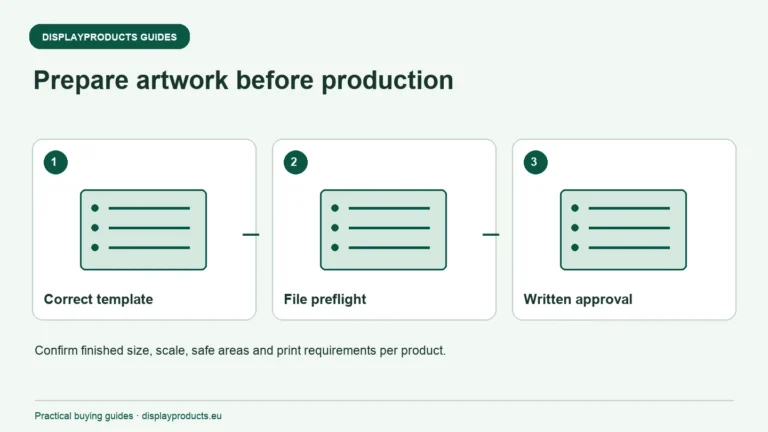
Print Ready Artwork Checklist for Large Format Displays
Prepare large-format artwork against the selected product's production template. Confirm the finished dimensions, scale, print requirements and finishing before exporting a file.
Read the guide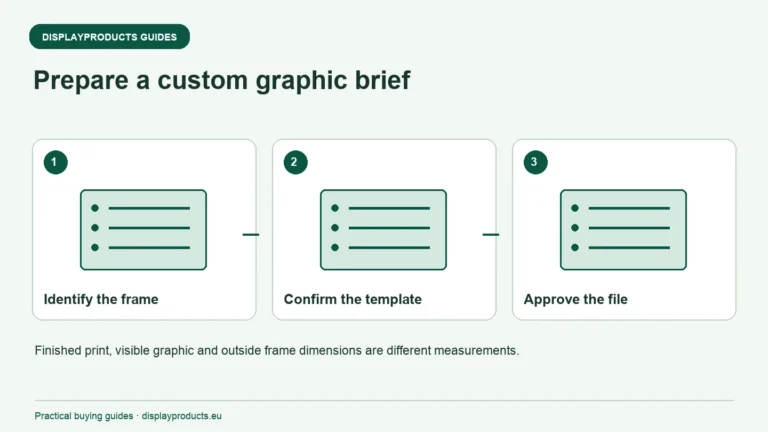
Preparing a Brief for Custom Banner Graphics
Prepare a custom banner request by identifying the display system, finished dimensions, material and finishing needed for the installation. Explain where the graphic will be used and which parts already exist.
Read the guide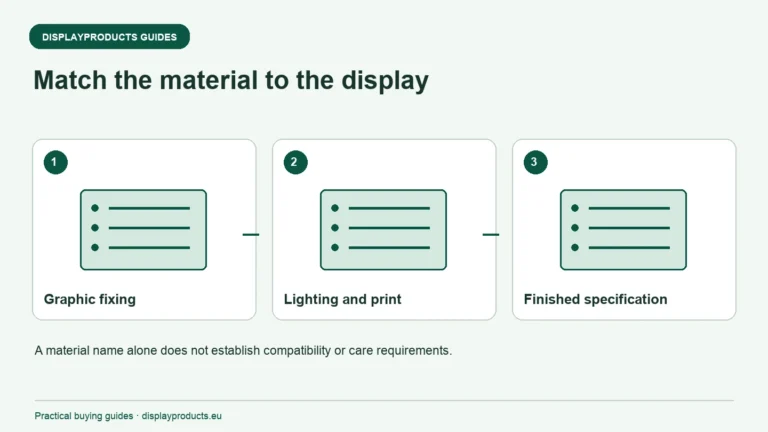
Material and Fabric Guide for Display Products
Choose a display material for the complete application: graphic fixing, print process, lighting, handling and use conditions. A fabric wall, retractable banner and illuminated frame may carry the same artwork but need different substrates and finishing.
Read the guide